PERSONAL / INTERACTIVE 3D
Shadow Room
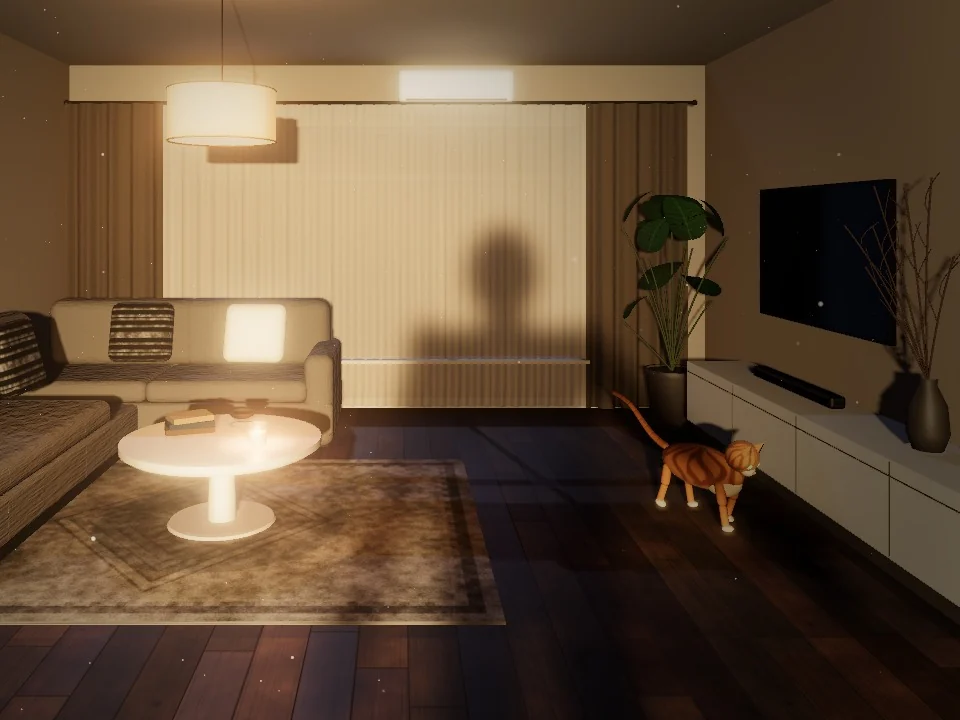
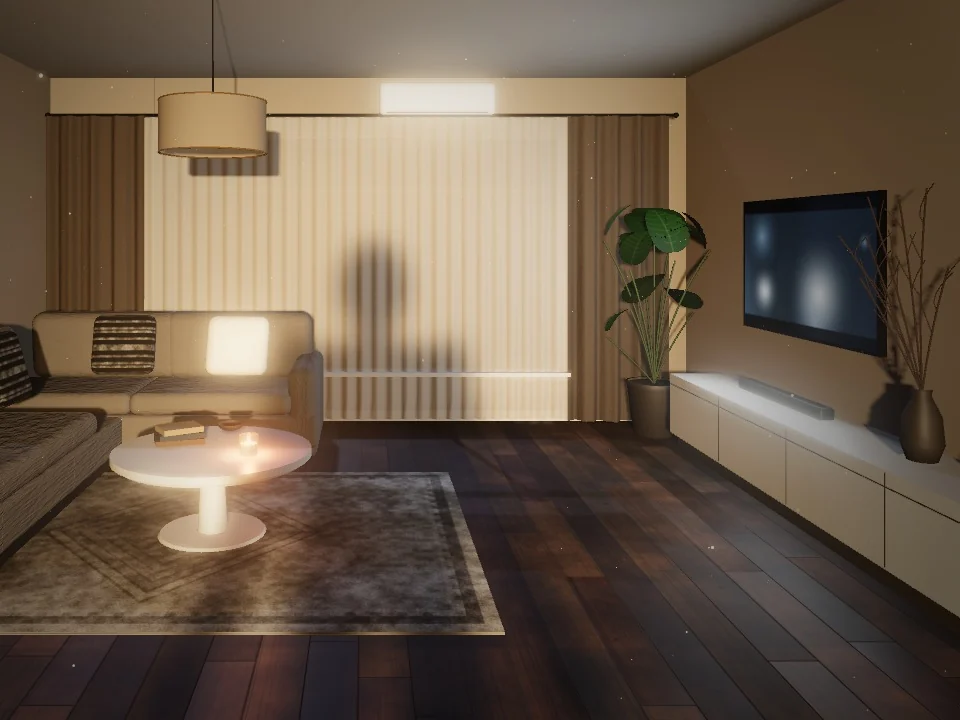
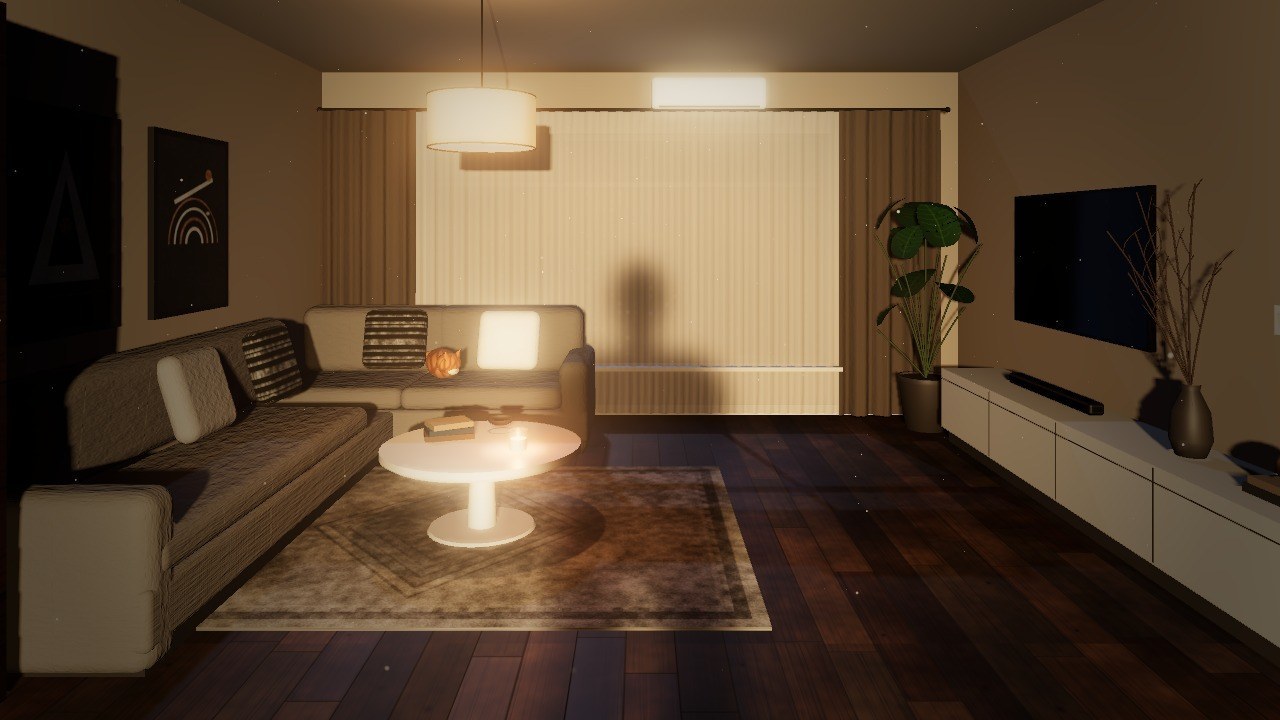
Your webcam silhouette casts a real shadow into a dark 3D living room. The view follows your head, and a cat chases the shadow of your hand.
Personal side project · Interactive 3D & computer vision
My contribution
Built the three.js room and its lighting, a webcam-to-shadow pipeline with MediaPipe in a Web Worker, head-coupled perspective with look-around and calibration, a path-finding cat, and a tracking view, tuned for low lag and low GPU power.
Try it · mini version
See what it can do
Personal side project · Interactive 3D, webcam tracking & live wallpaper
What this project does
Shadow Room is a live 3D wallpaper of a dark living room. MediaPipe finds your silhouette in the webcam image, and a light behind you casts it as a real, soft-edged shadow across the curtains, sofa and floor. Objects react when your shadow touches them, and small head turns look all around the room.
Inside the project
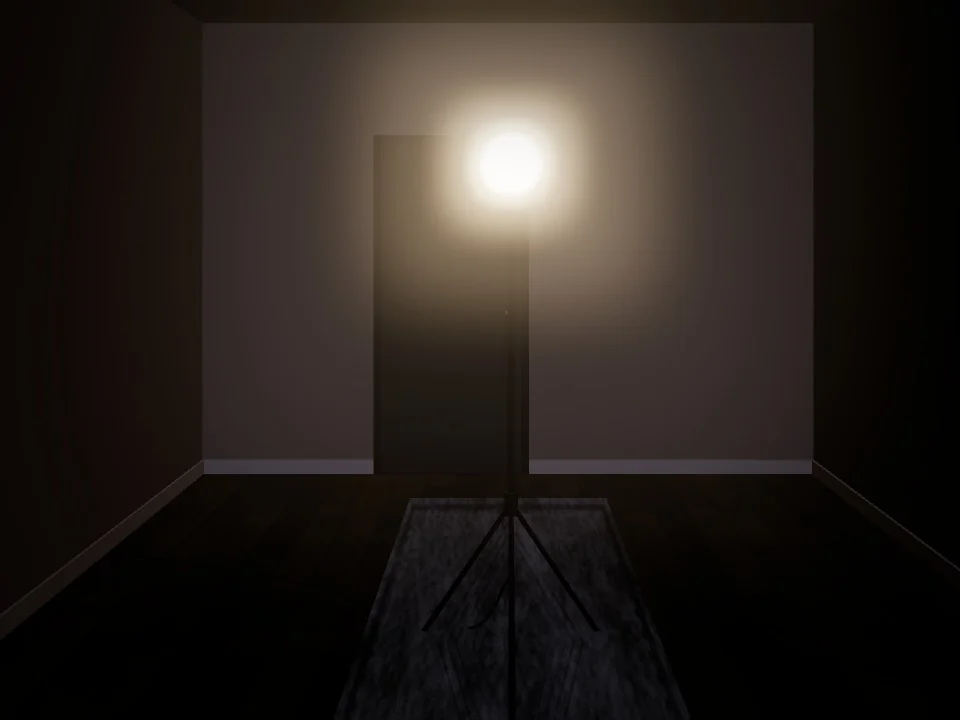
- Touch things with your shadow: swat the ceiling lamp and every shadow swings, hold your head's shadow on the TV or the light switch, and ripple the curtains.
- Look around with small head turns: 10° looks to the side and 15° straight behind you, so you can keep watching the monitor. A Center button sets your normal sitting pose.
- A procedural cat sleeps on the sofa, chases the shadow of your raised hand, plans paths around the furniture with A*, and bolts when your shadow looms over it.
- Pose detection runs in a Web Worker; while nothing moves, the room drops to 15 fps and reuses its shadow maps. On the test laptop, that cut the power the page adds from about 11 W to about 4 W while you sit still.
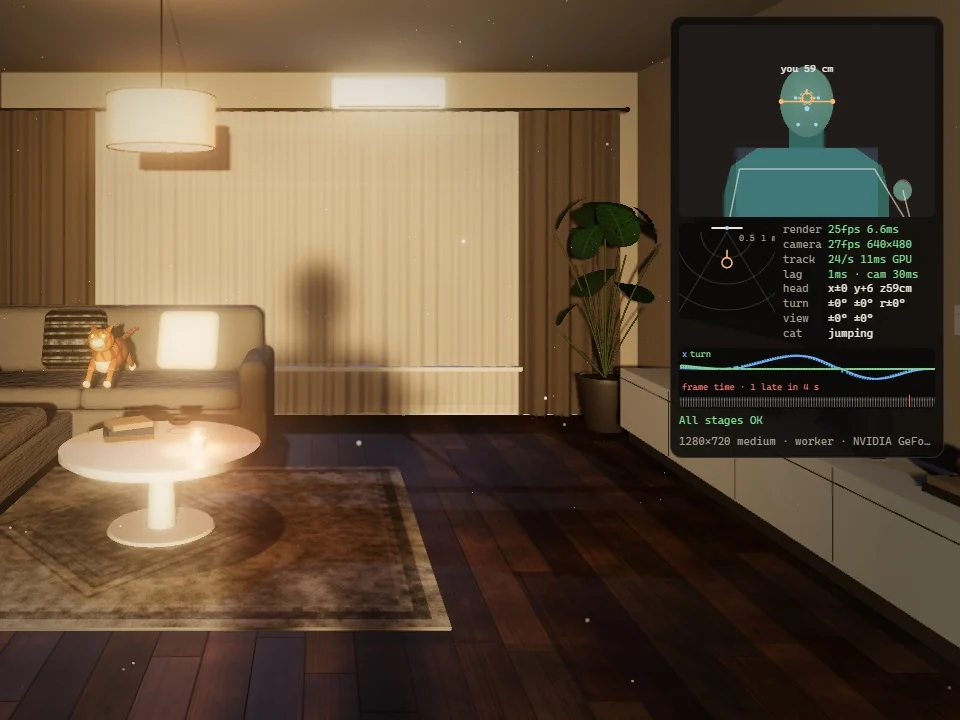
- A tracking view shows the analysed frame, the mask and skeleton, and per-stage timings, so lag can be traced to the camera, the tracker or the GPU.
Skills & practical experience
Practice turning noisy pose estimates into stable, low-latency interaction, keeping a real-time WebGL scene cheap enough to run all day, and building diagnostics that make performance problems visible.
The images and the tour were recorded from the running app in headless Chrome, using its built-in demo figure or a simulated person fed through the tracker; none is webcam footage. The power figures were measured on one laptop with an RTX 3060 Laptop GPU.
Project context
Everything runs in the visitor's browser, and webcam frames never leave the page. It works as a web page or as a Lively Wallpaper desktop background. Without a webcam, a built-in demo figure casts the shadow.
Project media